
To backup your astro data like a pro, follow the 3-2-1 strategy: keep two copies on different storage media, like external drives or NAS, and store a third copy off-site or in the cloud. Regularly verify your backups to guarantee their integrity and perform test restores. Using this approach minimizes data loss risks from hardware failure, theft, or disasters. Keep learning how to fine-tune your backups for complete protection.
Key Takeaways
- Implement the 3-2-1 backup strategy by maintaining three copies across different media and locations for maximum data protection.
- Prioritize backing up critical astro datasets like raw observations, calibration files, and documentation first.
- Use diverse storage solutions such as external drives, NAS, and cloud services, with encryption for security.
- Regularly verify backup integrity through testing and checksum comparisons to ensure data accessibility and completeness.
- Protect data from physical and cyber threats by diversifying storage, updating systems, and employing robust security measures.

WD 2TB My Passport, Portable External Hard Drive, Black, backup software with defense against ransomware, and password protection, USB 3.1/USB 3.0 compatible – WDBYVG0020BBK-WESN
- Design: Slim, durable portable hard drive
- Capacity: Up to 6TB storage capacity
- Backup Software: Includes device management and ransomware protection
As an affiliate, we earn on qualifying purchases.
As an affiliate, we earn on qualifying purchases.
What Is the 3-2-1 Backup Strategy and Why It Matters for Astronomical Data
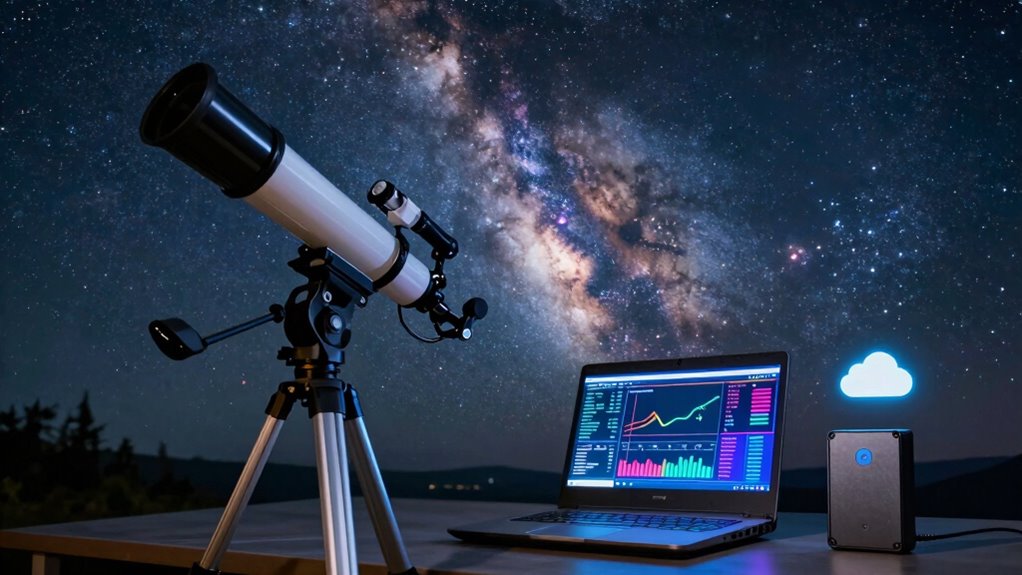
If you want to protect your astronomical data from loss, understanding the 3-2-1 backup strategy is essential. This approach emphasizes data redundancy, ensuring you have multiple copies of your critical files. You should keep two copies on different storage media, like external drives or network-attached storage, to reduce the risk of hardware failure. The third copy needs to be stored off-site or in the cloud, providing protection against theft, fire, or other disasters. By following this method, you maximize storage optimization, avoiding over-reliance on a single device. The 3-2-1 strategy creates a resilient backup system, giving you peace of mind knowing your valuable astronomical data remains safe, even if one storage source encounters issues. Additionally, employing color accuracy in your data storage ensures that your files maintain their quality over time. Regular routine checkups on your backup systems can also help ensure their effectiveness and reliability. Understanding data redundancy is vital in any backup strategy to prevent data loss and ensure accessibility. Furthermore, adopting a long-term structure for your backup solutions can significantly enhance your data management efforts.

BUFFALO LinkStation 210 6TB 1-Bay NAS Network Attached Storage with HDD Hard Drives Included NAS Storage that Works as Home Cloud or Network Storage Device for Home
- Centralized Storage with RAID: RAID-enabled NAS for backup and storage
- Easy Network Connectivity: Connects to router for shared device access
- Compatible with Windows and macOS: Works with Windows and older macOS versions
As an affiliate, we earn on qualifying purchases.
As an affiliate, we earn on qualifying purchases.
How to Identify Your Most Valuable Astronomical Data for Backup

How can you determine which of your astronomical data truly matters most? The key is data classification. Start by categorizing your files based on importance, uniqueness, and relevance. Identify critical datasets like raw observational data, calibration files, and important project documentation. Incorporating outdoor ovens can enhance your efficiency in processing large datasets, just as they provide versatile cooking options. Less crucial data, such as temporary logs or duplicate files, can be deprioritized. This process helps with storage optimization, ensuring your most valuable data gets prioritized for backup. Focus your efforts on safeguarding high-priority files first, then streamline storage for less significant info. By clearly classifying your data, you reduce clutter and make your backup process more efficient, giving you peace of mind that your essential astronomical insights are protected and easily accessible when needed. Additionally, consider climate-impact investing as a framework for understanding the broader implications of your data management practices.

Nero BackItUp – Data Backup Software | Automatic Backup, Data Recovery, Cloud Backup, Fully Automated | Lifetime License | 1 PC | Windows 11/10/8/7
- Lifetime License: One-time payment for lifetime use
- Complete Backup & Recovery: Automated backup and restore of data
- Multiple Backup Destinations: Backup to drives, USB, NAS, DVDs, Cloud
As an affiliate, we earn on qualifying purchases.
As an affiliate, we earn on qualifying purchases.
Choosing the Right Storage Devices for Your Backup Copies
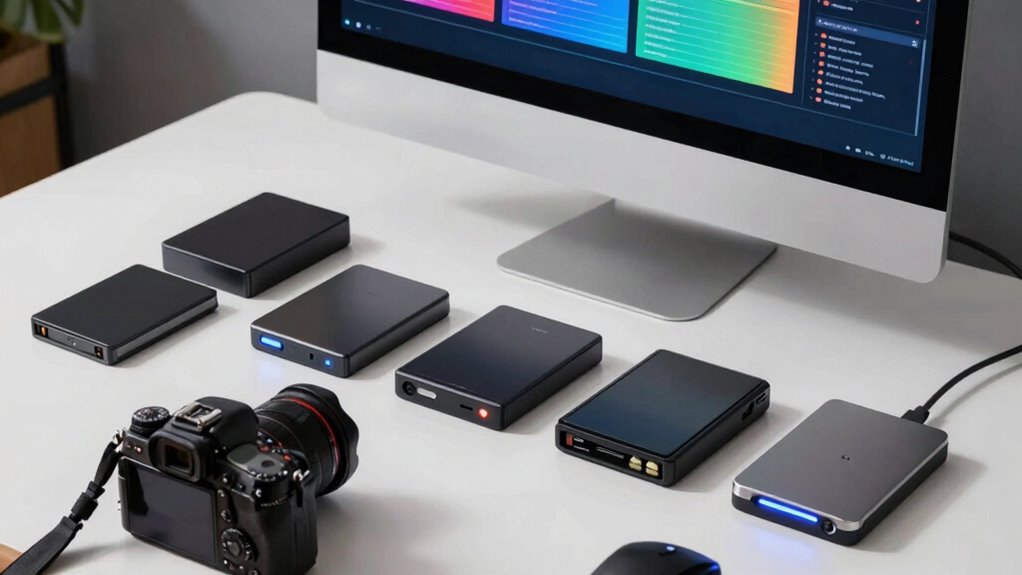
Choosing the right storage devices is crucial to guaranteeing your backup copies are both secure and accessible. You should consider storage formats that suit your data volume and access needs, such as external HDDs, SSDs, or network-attached storage (NAS). Look for devices that support multiple formats to maximize compatibility. Equally important is data encryption; encrypting your backups protects sensitive astronomical data from unauthorized access, especially if the device is lost or stolen. Choose devices with built-in encryption or plan to encrypt data before transfer. Reliable, durable storage options minimize data loss risk, while encryption ensures privacy. Balancing storage format flexibility with robust security measures helps you maintain safe, accessible backups that support your astrophotography or research efforts.

NDS SMS4 up six times the speed of backup to save data from PC (es EMS 4) DS software
As an affiliate, we earn on qualifying purchases.
As an affiliate, we earn on qualifying purchases.
How to Set Up Your 3-2-1 Backup System Step-by-Step
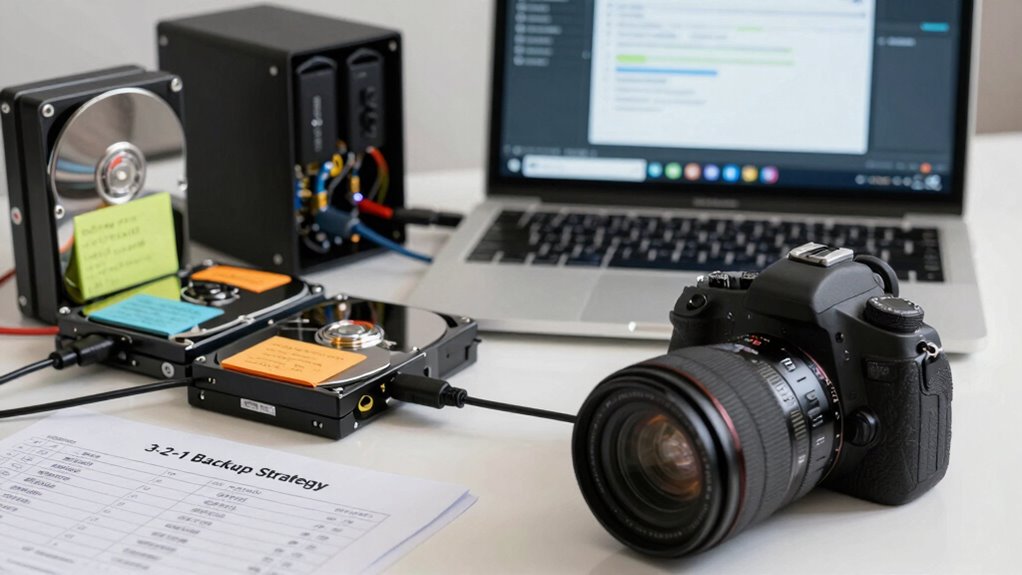
Setting up a 3-2-1 backup system might seem complex at first, but breaking it down into clear steps makes it manageable. First, select your primary storage device, like an external hard drive, and confirm it’s regularly updated. Next, create a secondary backup on a different device, such as another external drive, and use data encryption to protect sensitive data. Third, set up cloud synchronization with a reputable provider to store an off-site copy, guaranteeing your data stays safe even if local devices fail. Finally, verify your backups periodically to confirm that they’re complete and accessible. This process guarantees you have one local, one off-site, and one cloud backup, fulfilling the 3-2-1 rule for astro data security.
How to Automate Your Astronomical Data Backups Effectively

To automate your astronomical data backups effectively, you need to set up a reliable schedule that runs without your intervention. Using trusted backup tools guarantees your data stays protected and easily recoverable, even if issues arise. Keep an eye on your backup processes regularly to catch any errors before they become major problems. Additionally, understanding heatstroke signs can help you ensure a safe environment when working in high-temperature conditions, such as during long observational sessions.
Automate Backup Scheduling
Automating your astronomical data backups guarantees you don’t have to remember to do it manually each time, reducing the risk of data loss. Use automation tools to schedule regular backups, ensuring your data stays protected. To optimize this process:
- Set specific backup intervals—daily, weekly, or after each observation session.
- Leverage cloud storage options for seamless off-site backups and easy access.
- Configure your automation tools to verify backups, avoiding corrupted or incomplete data.
- Integrate multiple backup locations to follow the 3-2-1 rule and enhance redundancy.
Use Reliable Backup Tools
Choosing the right backup tools is vital to guarantee your astronomical data stays safe and accessible. Reliable tools guarantee your backups are consistent and secure. Look for solutions that support data encryption to protect sensitive information from unauthorized access. Cloud synchronization is also essential, allowing you to automatically update backups across multiple devices and locations, reducing the risk of data loss. Opt for tools with automation features that integrate seamlessly into your backup schedule, minimizing manual effort. Strong encryption combined with automatic cloud sync ensures your data remains confidential and readily available when needed. Using trustworthy backup tools streamlines your process, giving you peace of mind that your valuable astro data is protected against hardware failures, accidental deletions, or cyber threats.
Monitor Backup Processes
After selecting reliable backup tools, setting up ongoing monitoring guarantees those backups stay consistent and trustworthy. Regular checks ensure your astronomical data remains secure, especially when using cloud storage, which can sometimes face connectivity issues. Automate alerts for backup failures or discrepancies. Implement data encryption to protect sensitive data during transfer and storage. Use version control to verify backups are up-to-date. Schedule periodic integrity tests to confirm data is intact. Additionally, monitor storage capacity to prevent backups from failing due to space limitations. Establish a routine for reviewing logs and backup reports. This proactive approach helps catch issues early, assures your backups are reliable and ready for recovery whenever needed.
Common Mistakes to Avoid When Applying the 3-2-1 Backup Rule

Sure! Here’s the revised content with the requested changes:
—
While the 3-2-1 backup rule is a reliable strategy, many people make common mistakes that weaken their data protection efforts. One mistake is neglecting data encryption, leaving backups vulnerable to unauthorized access. Always encrypt sensitive astro data, especially when storing off-site or in the cloud. Another mistake is poor backup documentation; without clear records of what’s backed up, where, and when, you risk confusion and data loss during recovery. Failing to keep detailed backup logs can lead to duplicated efforts or missed files. Additionally, relying on a single backup type or location defeats the purpose of the 3-2-1 rule. Balancing support and boundaries in your data management can also enhance the effectiveness of your backup strategy. Avoid these pitfalls by encrypting all backups and maintaining thorough backup documentation, ensuring your data remains secure and easily recoverable. Regularly reviewing Frühwarnzeichen für Brustkrebs can also help you stay informed about potential risks that may affect your data management practices. Furthermore, understanding AI advancements can enhance your strategies for effective data backup and protection. Incorporating bike generators into your workflow can also help ensure a sustainable energy source for your data management needs. Investing in quality performance parts can improve the reliability of your backup systems, providing a more robust solution for data management.
—
Let me know if you need any further modifications!
How to Verify and Test Your Astro Data Backups Regularly
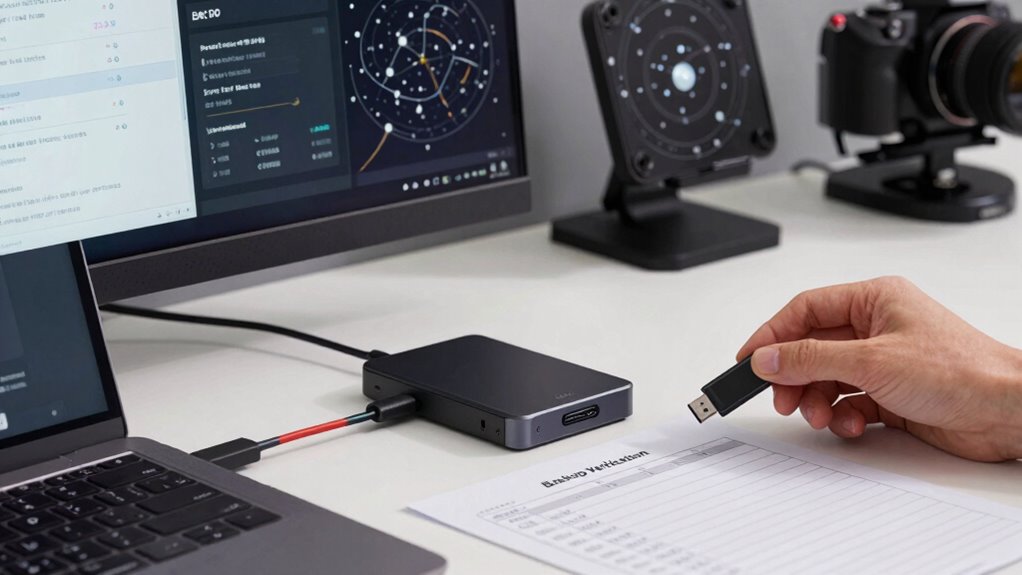
To keep your astro data safe, you need to verify and test your backups regularly. Schedule routine tests and check data integrity to catch issues early. Using multiple backup methods guarantees your data remains protected even if one method fails.
Schedule Routine Backup Tests
Regularly testing your backups is essential to guarantee your astro data remains safe and accessible when needed. It assures your backup process is reliable and that data encryption is functioning properly to protect sensitive information. To effectively schedule routine tests:
- Set a regular testing interval—monthly or quarterly—to keep backups current.
- Review backup documentation to understand the process and restore procedures.
- Perform test restores to verify data accessibility and integrity.
- Document the results and any issues found, refining your backup plan as needed.
Consistently testing helps catch potential problems early, ensuring your backups are usable. It also verifies that your data encryption remains effective, preventing unauthorized access. This proactive approach keeps your astro data safe and ready for recovery.
Verify Data Integrity Regularly
How can you be sure your backups are truly safe and intact? Regular data validation is vital to confirm your backups haven’t been corrupted. Conduct integrity checks to verify that your files remain complete and unaltered over time. These checks involve comparing checksum values or using specialized software to scan for inconsistencies. By routinely performing integrity checks, you catch potential issues early, preventing the risk of data loss or corruption when you need your backups most. It’s a simple yet essential step in maintaining reliable backups. Remember, even the most well-planned backup strategy is only as strong as your ability to verify its accuracy. Consistent data validation ensures your astro data remains secure, accessible, and ready for use whenever you need it.
Use Multiple Backup Methods
Relying on a single backup method can leave your astro data vulnerable to unforeseen failures or corruption. To guarantee data security, use multiple backup methods to create data redundancy. This approach minimizes risk by diversifying storage options. Regularly verify and test each backup to confirm data integrity and accessibility.
Consider these steps:
- Store copies in cloud storage for remote access and disaster recovery.
- Use external drives or NAS devices for quick retrieval.
- Schedule periodic restore tests to confirm backups work properly.
- Keep firmware and software updated to prevent compatibility issues.
Implementing multiple backup methods provides a safety net, reducing the chance of data loss and ensuring your valuable astro data remains protected and accessible when needed.
Safe Offsite and Cloud Backup Options for Astronomers

Are you confident that your astronomical data is protected against unforeseen disasters? Safe offsite and cloud backup options are essential for securing your valuable observations. Cloud storage offers a convenient way to store your data remotely, ensuring it stays safe even if your local equipment is compromised. When choosing a cloud service, prioritize providers that use data encryption to safeguard your information during transfer and storage. This added layer of security prevents unauthorized access. Additionally, look for reputable providers with strong security protocols and reliable uptime. Offsite backups keep your data protected from physical damage, theft, or hardware failure at your primary site. Combining cloud storage with secure offsite backups creates a robust defense, ensuring your astronomical data remains accessible and protected no matter what happens. Additionally, consider utilizing enterprise USB backups for an extra layer of local redundancy, which can further enhance your data protection strategy.
How to Protect Your Astro Data From Hardware Failures and Cyber Threats

Protecting your astronomical data from hardware failures and cyber threats requires proactive measures. You should implement robust security practices to safeguard your data. Start with data encryption, ensuring sensitive files are unreadable to unauthorized users. Regularly test your disaster recovery plan so you can quickly restore data after a failure or attack. Use reliable hardware with built-in redundancy to minimize the risk of hardware failure. Additionally, keep your systems updated with the latest security patches to prevent vulnerabilities.
Implement data encryption, test recovery plans, use redundant hardware, and keep systems updated to protect astronomical data effectively.
Incorporating Red and Blue team tactics can enhance your overall security posture.
Here are four key steps to bolster your data protection:
- Encrypt all data at rest and in transit.
- Develop and regularly update a thorough disaster recovery plan.
- Use hardware with failover and backup capabilities.
- Monitor for cyber threats using advanced security tools.
How the 3-2-1 Backup Strategy Keeps Your Cosmic Discoveries Safe
Implementing the 3-2-1 backup strategy is one of the most effective ways to guarantee your cosmic discoveries remain safe, even in the event of hardware failures, cyberattacks, or natural disasters. This approach assures interstellar storage options are diversified, reducing the risk of losing critical data. By keeping at least three copies of your data, two on different media, and one off-site, you enhance cosmic security. Off-site backups protect your data from localized catastrophes, while multiple formats prevent loss from hardware incompatibilities. This layered strategy makes it harder for threats to compromise your valuable astrophysical insights. Ultimately, the 3-2-1 plan creates a resilient shield around your data, safeguarding your research and discoveries against any cosmic chaos.
Frequently Asked Questions
How Often Should I Update My Astronomical Data Backups?
You should update your astronomical data backups regularly, ideally daily or after significant observation sessions, to maintain data integrity. Backup frequency depends on how often you collect new data and the importance of your files. The more frequently you refresh your backups, the less you risk losing critical information. Consistently updating ensures your data stays safe, accurate, and ready for analysis, minimizing potential setbacks from data loss or corruption.
What Are the Best Cloud Storage Providers for Astronomers?
Think of choosing cloud storage options as steering through a constellation—each provider offers unique stars. For astronomers, top choices include Google Drive, Dropbox, and OneDrive, offering reliable storage and easy access. Guarantee your data stays safe by verifying their data encryption protocols. These providers let you securely store, share, and access your celestial data from anywhere, making your backup process seamless and your observations protected against cosmic mishaps.
Can the 3-2-1 Strategy Protect Against Ransomware Attacks?
Yes, the 3-2-1 strategy can protect against ransomware attacks if you incorporate offline encryption and backup redundancy. Keep one backup offline and encrypted, making it inaccessible to ransomware. Maintain multiple copies on different media types, ensuring redundancy. This way, even if your primary data gets encrypted, you can restore from a secure, offline backup, minimizing data loss and downtime.
How Do I Recover Data Quickly After a Hardware Failure?
Your data recovery will be lightning-fast if you have remote access to your backups and use robust encryption methods. Quickly restore lost data by connecting to your off-site backups stored in secure, encrypted environments. Guarantee your backup system is regularly updated and tested, so when hardware fails, you can effortlessly retrieve your files without panic. This proactive approach keeps your astro data safe, accessible, and resilient against unexpected hardware disasters.
Is Physical Security Necessary for My Backup Storage Devices?
Yes, physical security for your backup storage devices is essential. You should implement physical safeguards like locked cabinets or safes to prevent theft and unauthorized access. Theft prevention measures protect your valuable data from physical threats and guarantee your backups stay intact. By securing your devices, you reduce risks of data loss due to theft or vandalism, making your backup strategy more reliable and resilient in any situation.
Conclusion
By mastering the mighty 3-2-1 backup method, you protect precious planetary pursuits and preserve stellar studies. With wise choices, watch your workflows wobble less, while backups bolster your brilliance beyond borders. Regularly verify, vault, and venture into virtual vaults to keep your cosmic creations secure. Embrace this strategic safeguard, and your astronomical adventures will always align, assuring stellar success and safeguarding your space stories from sudden snags or sinister cyber threats.