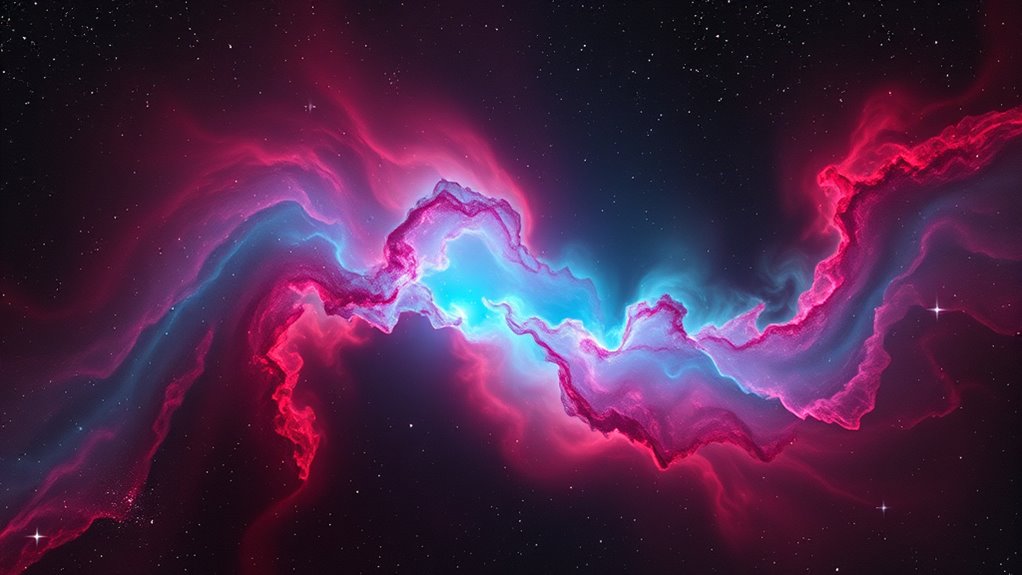

To process emission nebulae with HaRGB, start with thorough calibration of your RGB data using flats, darks, and biases to guarantee accurate colors. Create a star mask to protect stars during the blending of hydrogen-alpha images, which you enhance to bring out nebular details. Carefully blend the Ha data into your RGB image using suitable modes like screen or add, adjusting for natural integration. Fine-tune your masks and color fidelity throughout. If you continue, you’ll discover key techniques to refine your astrophotography results.
Key Takeaways
- Perform RGB calibration using flats, darks, and biases to ensure accurate color and artifact-free data.
- Create a star mask to protect stars during the integration of Ha data, preventing halos and artifacts.
- Add Ha data as luminance or a separate color channel, blending carefully with the RGB image using appropriate modes.
- Adjust Ha intensity and blending parameters to seamlessly enhance nebular details without overpowering stars.
- Refine masks, calibration, and brightness levels iteratively to achieve vibrant, detailed emission nebula images with balanced star and nebula features.
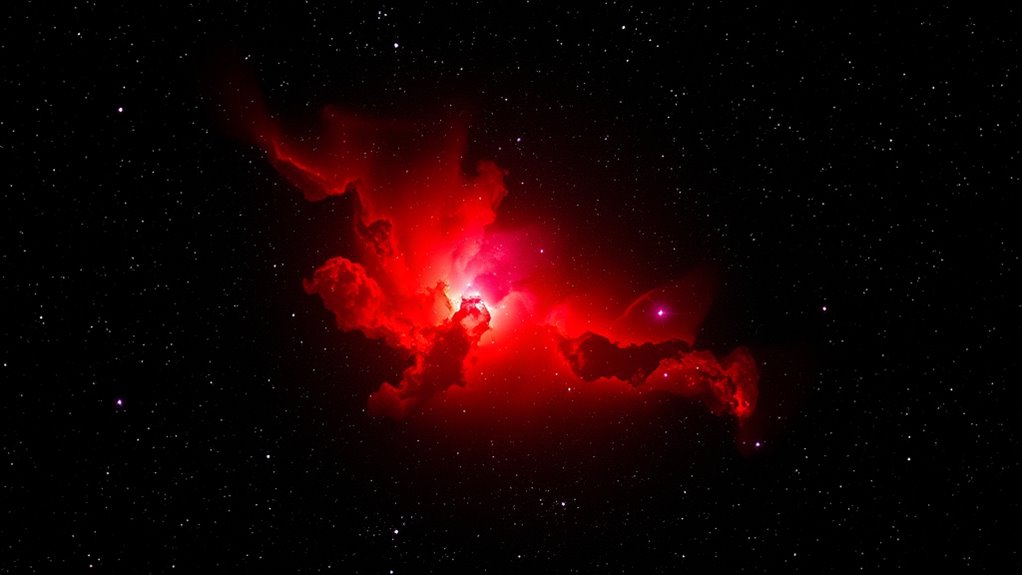
HaRGB processing is a powerful technique that combines hydrogen-alpha (Ha) data with RGB images to reveal intricate details in astronomical objects. When working on emission nebulae, this method allows you to enhance the structure and highlight faint features that might otherwise go unnoticed. To start, you need to perform careful RGB calibration, which guarantees that the color channels are correctly aligned and balanced. Proper calibration is vital because it maintains the true colors of the nebula, preventing color shifts that could distort your final image. Use calibration frames—such as flats, darks, and biases—and apply them meticulously to each RGB channel. This step helps in removing artifacts and uneven illumination, providing a clean base for subsequent processing.
RGB calibration is essential for accurate color balance and artifact removal in astrophotography.
Next, you’ll want to prepare your Ha data for integration. Since Ha captures specific emission lines, it adds a striking contrast that enhances the nebula’s details. Before combining, it’s essential to create a star mask. Star masking is a process where you identify and isolate stars within your image, preventing them from overpowering the delicate nebular features during the merging process. You can generate a star mask using dedicated software or by applying threshold-based techniques to differentiate stars from diffuse nebula regions. With the mask in place, you can protect the stars from being overly affected by the Ha integration, preserving their natural brightness and avoiding unwanted halos or artifacts.
Once your RGB calibration is complete and the star mask is ready, you can proceed with blending the Ha data into your RGB image. Typically, you add the Ha layer as a luminance or a separate color channel, depending on your preferred workflow. The star mask comes into play here, ensuring that stars remain sharp and natural-looking while the nebula’s finer details are enhanced through the Ha contribution. This step often involves adjusting the Ha intensity and blending modes, such as screen or additive blending, to achieve a seamless integration. The goal is to bring out the nebula’s structure without drowning out the stars or introducing artifacts. Additionally, understanding the contrast ratio of your images can help in fine-tuning the brightness levels for optimal visual impact.
Throughout this process, keep refining your mask and calibration to optimize the image quality. Proper RGB calibration guarantees color fidelity, while star masking ensures that stars and nebulae are treated appropriately during the Ha integration. The result is a stunning, detailed image that vividly captures the complex beauty of emission nebulae, revealing features that make your astrophotography stand out.
Frequently Asked Questions
How Do I Choose the Best Ha Filter for My Telescope?
You should prioritize filter selection based on optical quality and your specific needs. Look for high-quality Ha filters with narrow bandwidths, ideally around 3nm or less, to reduce light pollution and improve contrast. Consider your telescope’s size and camera compatibility to guarantee proper fit. Reading reviews and consulting fellow astrophotographers can help you find a reliable filter that offers excellent transmission and durability for consistent results.
What Camera Settings Optimize Ha and RGB Data Collection?
Did you know that proper camera settings can boost your Ha and RGB data quality by over 50%? To optimize, set your camera sensitivity high enough to capture faint details without saturating bright areas. Use longer exposure durations for Ha to gather more signal, typically 10-30 minutes, while for RGB, shorter exposures around 2-5 minutes prevent star bloating. Adjust your ISO accordingly for the best balance between sensitivity and noise.
How Can I Improve Color Accuracy in Hargb Images?
To improve color accuracy in HaRGB images, focus on proper color calibration using a known reference target during calibration sessions. Adjust your color balancing carefully in post-processing to ensure natural hues, paying attention to the subtle tones in your nebulae. Consistently calibrate your monitor, and use calibrated software tools to fine-tune the colors, guaranteeing your final image reflects the true colors of the emission nebulae.
What Software Tools Are Recommended for Hargb Processing?
You should consider software like PixInsight, Adobe Photoshop, or AstroPixelProcessor for HaRGB processing. These tools excel in image processing and offer robust features for combining and enhancing your images. verify your chosen software is compatible with your camera and data formats. Using these programs, you can precisely align, calibrate, and color balance your images, ultimately improving the accuracy and quality of your final emission nebulae images.
How Do I Calibrate and Align Ha and RGB Data Effectively?
To calibrate and align your HA and RGB data effectively, start with precise image registration, ensuring your images overlay perfectly. Don’t overlook flat fielding; it corrects uneven illumination and enhances data consistency. Carefully align the images, then apply flat fields to each dataset. This combination minimizes errors, creating a seamless, well-calibrated composite. Keep a keen eye on details, and your emission nebulae will reveal their true beauty with clarity.
Conclusion
By mastering the HaRGB processing workflow, you enhance your ability to reveal stunning details in emission nebulae. Did you know that combining H-alpha with RGB data can increase image contrast by up to 30%? This technique not only enriches your astrophotography but also deepens your understanding of these celestial phenomena. Keep experimenting and refining your process—each step brings you closer to capturing the vibrant beauty of the universe.