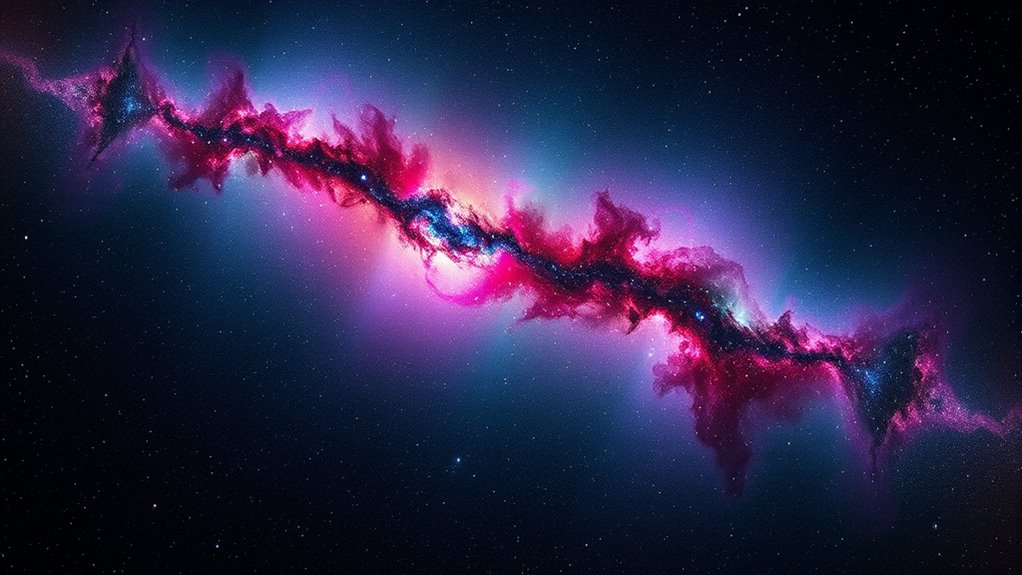

Post-processing is essential in astrophotography because it transforms your raw captures into stunning, detailed images of the night sky. It helps you correct imperfections like noise, uneven brightness, and faint details that are hard to see initially. By adjusting contrast, colors, and sharpness, you can truly bring out the beauty of celestial objects. If you keep exploring, you’ll discover how these techniques can elevate your astrophotos to a professional level.
Key Takeaways
- Post-processing transforms raw captures into visually stunning images by correcting imperfections and enhancing celestial features.
- It increases image clarity by reducing noise and revealing faint objects hidden in light pollution or noise.
- Techniques like stacking improve signal-to-noise ratio, resulting in more detailed and sharper representations of the night sky.
- Adjustments in contrast, color, and brightness bring the image closer to what is seen through the telescope, adding visual appeal.
- Final calibration and refinement ensure the image is free from artifacts, maintaining quality and producing professional-grade astrophotos.
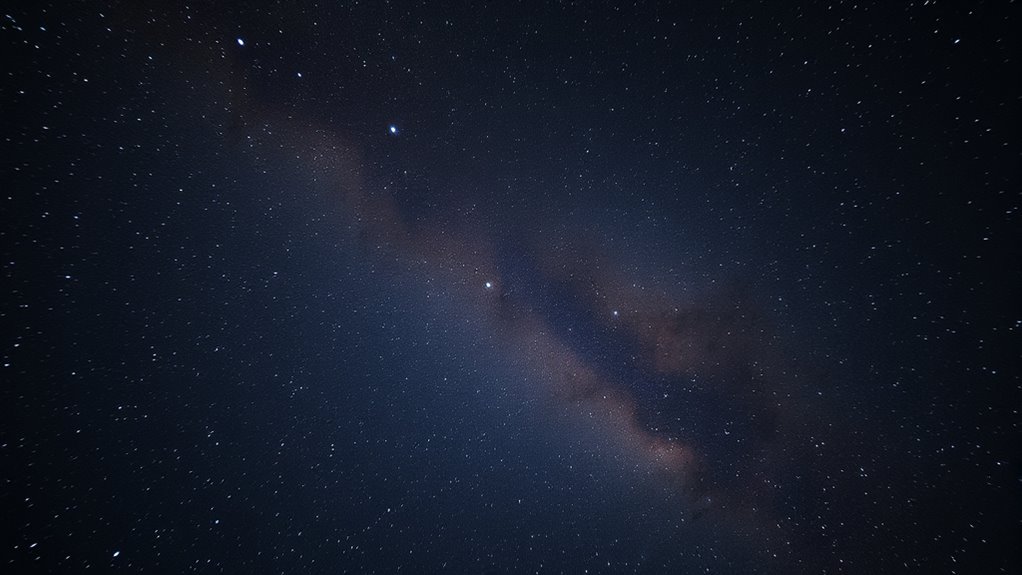
Post-processing is a essential step in astrophotography that transforms raw captures into stunning images. When you first capture the night sky, the images often contain imperfections such as noise, uneven brightness, and faint details that aren’t immediately visible. This is where post-processing comes in, allowing you to enhance the details, reduce unwanted artifacts, and truly bring out the beauty of the cosmos. One of the most vital techniques you’ll use is image stacking. By taking multiple exposures of the same scene and combining them, you increase the signal-to-noise ratio, which drastically improves image clarity. This process helps you reveal faint stars, nebulae, and other celestial objects that would otherwise be lost in the noise or obscured by light pollution.
Image stacking isn’t just about piling images on top of each other; it requires careful alignment and processing to guarantee that stars and objects stay sharp and consistent throughout the final image. When done correctly, it results in a cleaner, more detailed picture that captures the true essence of the night sky. Alongside stacking, noise reduction plays a key role in making your astrophotos look professional. Even with high-quality cameras, long exposures tend to introduce digital noise—grainy specks that distract from the fine details you aim to showcase. Noise reduction techniques allow you to smooth out these imperfections without sacrificing the sharpness of stars or celestial features. You might use dedicated software or noise reduction filters to target the specific types of noise present in your images.
Applying noise reduction carefully is essential because overdoing it can soften the image and blur fine details. Conversely, insufficient noise reduction leaves distracting grain and reduces the overall quality. As you gain experience, you’ll learn to balance these adjustments, maintaining detail while minimizing noise. Post-processing also involves adjusting contrast, colors, and brightness to bring the image closer to what your eyes see through the telescope or camera lens. This step can be the most rewarding, as it transforms a flat, raw capture into a vibrant, dynamic depiction of the universe. Additionally, understanding the importance of image calibration ensures that your final images are free from sensor artifacts and other inconsistencies that can detract from their quality.
In essence, your astrophotography journey hinges on effective post-processing. Image stacking and noise reduction are foundational techniques that elevate your raw images into breathtaking representations of the night sky. They allow you to maximize the detail, clarity, and depth of your shots, making every effort worth it when you finally reveal the stunning celestial scene hidden within your camera’s raw data.
Frequently Asked Questions
What Software Is Best for Astrophotography Post-Processing?
You should consider software like Adobe Photoshop, DeepSkyStacker, or PixInsight for astrophotography post-processing. These programs excel at image stacking, which reduces noise and enhances details, and color calibration, ensuring accurate, vibrant colors. Photoshop offers powerful editing tools, while DeepSkyStacker simplifies stacking, and PixInsight provides advanced processing features. Combining these tools helps you create stunning, professional-looking astrophotos by refining your images effectively.
How Long Should I Spend on Post-Processing Each Image?
You should spend around 1-3 hours per image, depending on complexity. Investigate the truth that raw image optimization and noise reduction techniques can transform a dull shot into a stunning masterpiece. Don’t rush—dedicate time to carefully refine details, balance contrast, and reduce noise. Embrace patience, knowing your effort will reveal the universe’s beauty hidden within your data, making the process truly rewarding.
Can Post-Processing Improve Images Taken With Beginner Equipment?
Yes, post-processing can substantially improve images taken with beginner equipment. It allows you to perform image enhancement, compensating for equipment limitations like noise, poor focus, or low contrast. By adjusting brightness, contrast, and color balance, you can reveal details that weren’t initially visible. Post-processing helps transform basic captures into stunning images, making the most of your gear and boosting your astrophotography skills.
What Are Common Mistakes to Avoid During Astrophotography Editing?
You should avoid over-editing your astrophotography images by pushing too hard on noise reduction, which can cause loss of detail. Be cautious with color correction; too much can distort the natural look of celestial objects. Always preview your adjustments at full size to make certain you’re not introducing artifacts or losing important details. Staying subtle and balanced helps preserve the authenticity and quality of your astrophotos.
How Do I Maintain Image Quality During Post-Processing?
To maintain image quality during post-processing, focus on careful image noise reduction to preserve detail and prevent graininess. Use precise color calibration to guarantee natural, vibrant colors that reflect the true sky. Avoid over-sharpening, which can introduce artifacts, and work with non-destructive editing techniques. Regularly compare your edits to the original to keep the integrity of your astrophotography intact while enhancing the final image.
Conclusion
You now see why post-processing is vital in astrophotography; it transforms raw images into stunning celestial masterpieces. Did you know that over 80% of professional astrophotographers spend as much time editing as capturing? Without these techniques, many incredible details and colors would remain hidden. So, embrace post-processing—it’s the essential to revealing your images’ full potential and truly capturing the beauty of the night sky.