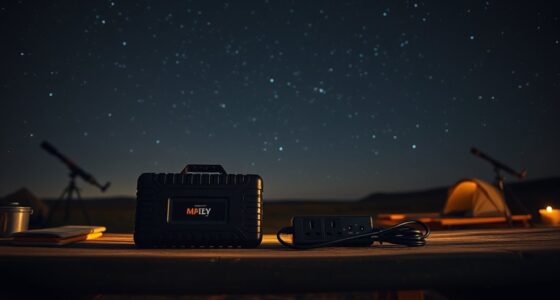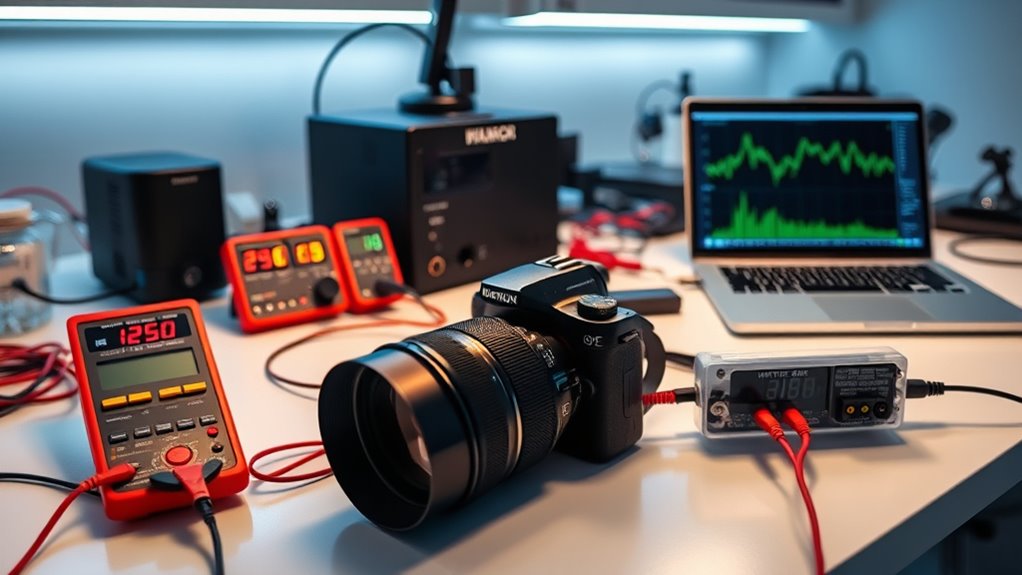
To estimate your imaging setup’s power consumption, start by noting the wattage of each component, such as your camera, computer, and peripherals. Use watt meters or smart plugs to get real-time measurements during different operational states. Track idle versus active usage to identify power hogs. By analyzing this data, you can find ways to reduce energy use and save costs. Keep going to discover detailed strategies for accurate estimates and efficiency improvements.
Key Takeaways
- Use watt meters or smart plugs to measure real-time power usage of each device during operation.
- Record power readings at different operational states, including startup, active use, and standby.
- Check device specifications for rated power consumption and compare with actual measurements for accuracy.
- Monitor energy consumption over time to identify patterns and pinpoint high-power components.
- Implement energy-efficient settings and schedule tasks during off-peak hours to reduce overall power usage.
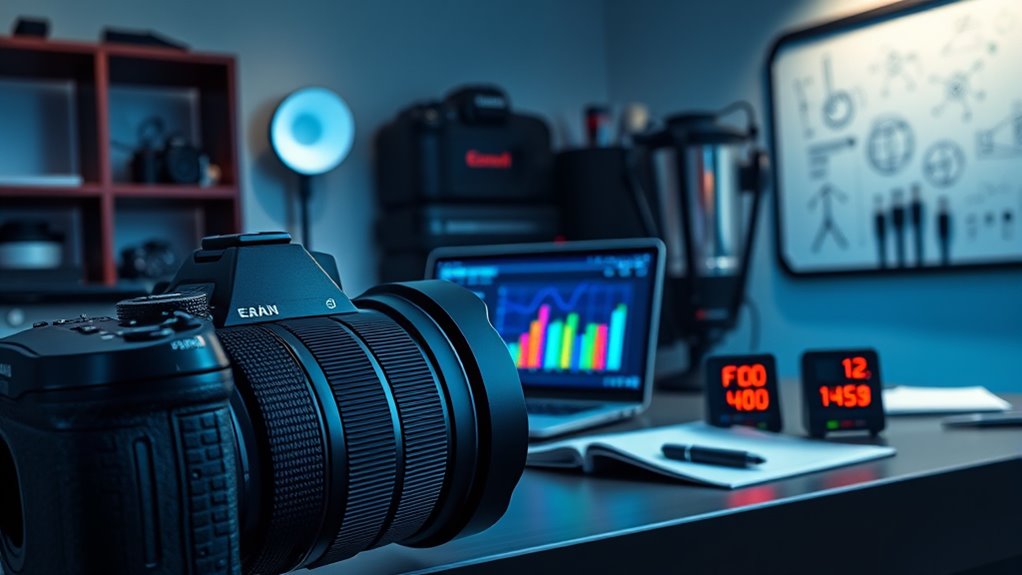
Have you ever wondered how much power your devices actually use? Understanding your equipment’s power consumption isn’t just about curiosity; it’s a critical step toward optimizing energy efficiency and reducing costs. When you focus on power measurement, you gain clear insights into how each component in your imaging setup contributes to overall energy use. This helps you identify which devices are energy hogs and where you can make adjustments to save both power and money. Accurate power measurement involves using tools like watt meters or smart plugs that can monitor real-time energy consumption. By regularly checking these readings, you can develop a detailed picture of your setup’s energy profile.
Knowing your devices’ power usage enables you to make informed decisions about upgrades or configurations. For example, if your high-powered scanner consumes an excessive amount of energy during idle periods, switching to a more energy-efficient model or adjusting its settings can considerably cut down on unnecessary power drain. Similarly, understanding the power requirements of your imaging software and peripherals helps you avoid overloading circuits or wasting energy on devices operating at less than best possible efficiency. The goal is to maximize energy efficiency without sacrificing performance, and that begins with precise power measurement.
Energy efficiency isn’t just about turning off devices when they’re not in use; it’s about understanding how each device consumes power during different operational states. For instance, some equipment may use a lot of power during startup but then settle into a low-energy standby mode. Recognizing these patterns allows you to implement smarter usage habits, like scheduling imaging tasks during off-peak hours or using power-saving features available on your equipment. Additionally, selecting equipment with energy-efficient features can further reduce consumption and operational costs. Over time, these small adjustments can add up to substantial energy savings, making your entire setup more sustainable and budget-friendly.
Incorporating energy-efficient devices and practices into your workflow doesn’t mean compromising on quality. Instead, it means being smarter about how you use your equipment. By regularly measuring power consumption and analyzing the data, you can identify inefficiencies and take targeted steps to improve. This proactive approach not only reduces your environmental impact but also extends the lifespan of your devices by preventing overheating and unnecessary wear. Ultimately, understanding and managing your power consumption is a essential part of maintaining an effective, sustainable imaging setup that balances performance with energy efficiency.
Frequently Asked Questions
How Do I Account for Power Fluctuations During Different Imaging Modes?
To account for power fluctuations during different imaging modes, you should monitor power stability by recording energy variability across all modes. Use a power meter to measure real-time consumption during each setting, noting peak and average values. This helps you identify how energy use varies, allowing you to modify your calculations accordingly. Regularly tracking these fluctuations ensures your estimates remain accurate, reflecting the true power demands of your imaging setup.
Can External Environmental Factors Affect Power Consumption Estimates?
External environmental factors like ambient temperature and humidity effects definitely influence power consumption estimates. When temperatures rise, your equipment may work harder to stay cool, increasing energy use. High humidity can cause components to operate less efficiently or require extra cooling. To get accurate estimates, monitor these factors closely and consider how fluctuations in temperature and humidity might alter power needs during different imaging sessions.
How Often Should I Recalibrate My Power Consumption Measurements?
You should recalibrate your power consumption measurements every 3 to 6 months to maintain calibration frequency and guarantee measurement consistency. Regular recalibration accounts for equipment drift and environmental changes that can affect accuracy. If you notice fluctuations or anomalies in your data, it’s a good idea to recalibrate sooner. Consistent recalibration helps you trust your measurements and optimize your imaging setup effectively.
What Tools Are Recommended for Real-Time Power Monitoring?
For real-time power monitoring, you want reliable, robust tools like smart power meters or data loggers that deliver precise, prompt readings. Devices like the Kill-A-W watt or IoT-enabled sensors enable seamless data logging, simplifying your setup while spotlighting power consumption patterns. These tools help you stay sharp, easily track fluctuations, and fine-tune your imaging system’s efficiency with instant insights.
How Does Hardware Aging Impact Long-Term Power Consumption Estimates?
Hardware aging causes degradation over time, which impacts long-term power consumption estimates. As components like power supplies and processors age, they often become less efficient, leading to increased energy use. You should regularly update your estimates to account for aging effects, as this helps prevent underestimating future power needs. Monitoring hardware degradation gives you a more accurate picture of your setup’s long-term energy requirements, ensuring best performance and planning.
Conclusion
By accurately estimating your imaging setup’s power consumption, you can save energy and reduce costs. Did you know that a typical high-end camera can use up to 150 watts during operation? That’s enough to power a small lamp! Keeping track of your equipment’s power use helps you identify energy hogs and optimize your setup. Stay mindful of your power habits—small changes can lead to big savings and a greener, more efficient imaging process.