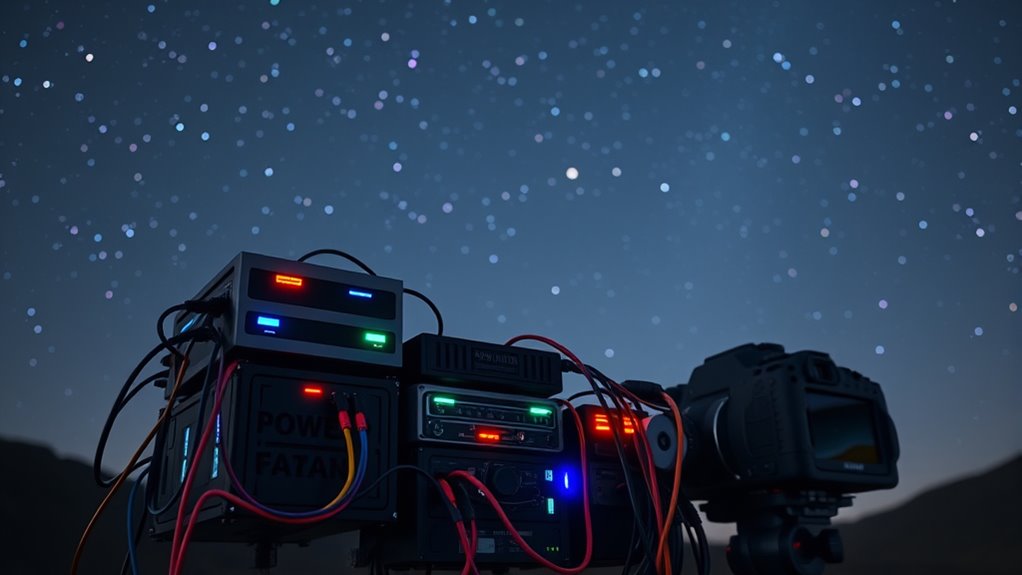
To manage power effectively on a multi-device astrophotography rig, use high-capacity rechargeable batteries like lithium-ion, and turn off devices when not in use. Organize cables neatly with ties and labels, and connect critical gear directly to stable power sources or surge protectors. Carry spares or portable power banks to extend sessions. Implement a power management system to monitor battery levels and guarantee consistent power flow, and you’ll discover how to keep your setup running smoothly throughout long nights.
Key Takeaways
- Use dedicated, high-capacity batteries and portable power banks to ensure stable, extended power supply for multiple devices.
- Organize cables neatly with labels and high-quality connectors to prevent disconnections and simplify troubleshooting.
- Distribute power sources logically, connecting critical equipment directly to main outlets and secondary accessories to power banks.
- Monitor battery levels and power consumption with management tools, turning off unused devices to conserve energy.
- Include surge protectors and stable power sources to prevent voltage fluctuations and safeguard sensitive astrophotography gear.
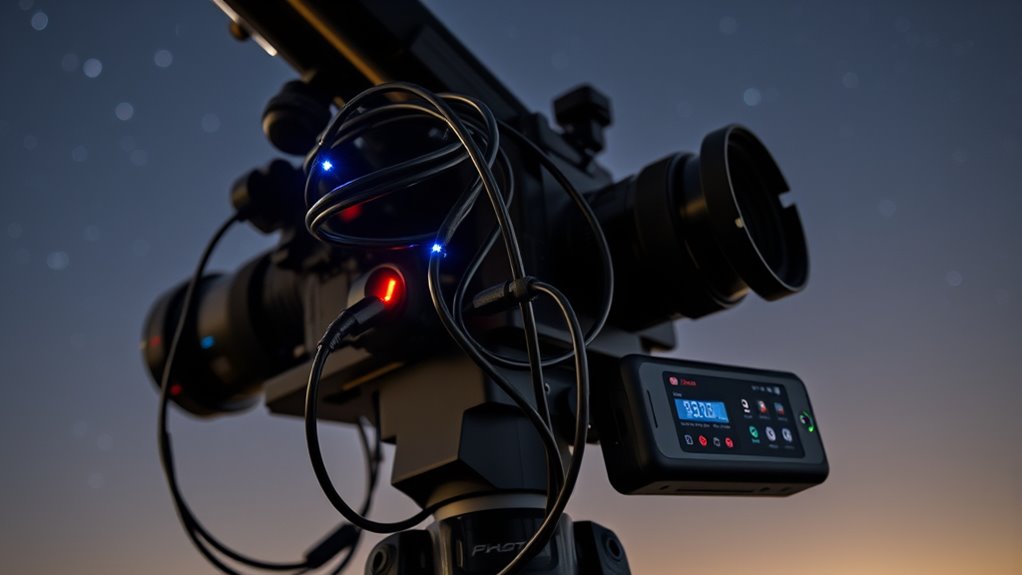
Managing power efficiently is vital when operating a multi-device astrophotography rig, as multiple cameras, mounts, and accessories demand reliable and continuous energy sources. You need a systematic approach to guarantee your setup runs smoothly throughout the night without interruptions. One of the first steps is battery optimization. Invest in high-capacity, rechargeable batteries designed for astrophotography gear. Lithium-ion batteries are a popular choice because they provide stable power output and last longer under cold conditions often encountered during nighttime shoots. To maximize battery life, turn off devices when not in use, and avoid running unnecessary accessories. Use power management tools and software that can monitor battery levels in real time, alerting you before power runs out. Carry spares or portable power banks to extend your session, especially if you plan to be out for hours. Proper wall outlet power sourcing can also prevent fluctuations that may affect sensitive equipment. Cable organization plays a vital role in maintaining a reliable power system. A tangled mess of wires not only complicates setup but also risks disconnections and damage. Use cable ties, Velcro straps, or dedicated cable organizers to keep your cables neat and secure. Label each cable clearly so you can quickly identify and troubleshoot connections if needed. Proper cable management reduces strain on connectors, preventing accidental disconnections that could shut down your devices mid-session. Additionally, consider using high-quality power cables with robust connectors to ensure stable connections. Routing cables along the frame or mount in a tidy, logical manner prevents accidental dislodging when you move or adjust your rig. Another tip is to distribute power sources logically. For example, connect critical devices like your mount and main camera directly to a primary power source, while secondary accessories such as dew heaters or auxiliary cameras can be powered from secondary ports or power banks. This setup prevents a single power failure from taking down multiple devices simultaneously. Also, incorporate surge protectors or power strips with individual switches to shut off non-essential gear quickly when needed. Keeping your power sources organized and optimized minimizes downtime and guarantees your astrophotography session remains uninterrupted.
high capacity lithium-ion rechargeable batteries for astrophotography
As an affiliate, we earn on qualifying purchases.
As an affiliate, we earn on qualifying purchases.
Frequently Asked Questions
How Do I Prevent Power Surges Damaging My Astrophotography Equipment?
To prevent power surges from damaging your astrophotography equipment, always use surge protectors designed for sensitive gear. These devices absorb excess voltage during surges, safeguarding your setup. Additionally, incorporate voltage regulation to keep the power stable and prevent fluctuations. Regularly inspect and replace surge protectors, and avoid plugging everything into a single outlet. This proactive approach guarantees your equipment remains safe during unexpected power events.
What Are the Best Portable Power Sources for Remote Astrophotography Sessions?
You should consider using solar chargers and portable inverters for remote astrophotography sessions. Solar chargers harness sunlight efficiently, providing sustainable power, while portable inverters convert DC from batteries into AC power for your equipment. These options are lightweight, reliable, and easy to transport, ensuring your devices stay powered during long sessions under the stars. Combining both gives you a flexible, eco-friendly power solution that adapts to various field conditions.
How Can I Optimize Power Efficiency During Long Imaging Sessions?
Think of your power system as a delicate dance—every step matters. To optimize efficiency during long sessions, you should monitor your batteries carefully and use smart power distribution. Keep an eye on battery monitoring data, turn off devices when not in use, and prioritize energy-efficient settings. This way, you guarantee your rig stays energized without wasting precious power, letting you capture those stunning celestial moments without interruption.
What Safety Precautions Should I Take With High-Capacity Batteries?
You should handle high-capacity batteries carefully, avoiding punctures or exposure to extreme heat. Always use proper connectors and avoid short circuits. Keep batteries in a well-ventilated area and monitor for signs of swelling or overheating. Have an emergency shutdown procedure ready, so you can disconnect power quickly if needed. Proper storage, careful handling, and quick response to issues guarantee your safety and prevent damage to your equipment.
How Do I Troubleshoot Power Issues in Complex Multi-Device Setups?
When troubleshooting power issues in complex setups, start with proper battery management by checking battery levels and connections. Inspect wiring troubleshooting for loose or damaged cables, ensuring all connections are secure. Use a multimeter to verify voltage consistency across devices. Simplify the system if needed, isolating components to identify faults. Regularly monitor power flow, and replace faulty batteries or cables promptly to maintain reliable operation.

Jackery Portable Power Station Explorer 300 with Carrying Bag, 293Wh Backup Lithium Battery, Solar Generator for Outdoors Camping Travel Hunting Blackout (Solar Panel Optional)
Portable Power for Outdoor and Emergencies: The Jackery Explorer 300 provides 293Wh of dependable lithium-ion power in a…
As an affiliate, we earn on qualifying purchases.
As an affiliate, we earn on qualifying purchases.
Conclusion
Effective power management is essential for your multi-device astrophotography rig to confirm seamless imaging sessions. By optimizing power sources and monitoring consumption, you can prevent unexpected shutdowns and maximize your equipment’s lifespan. Did you know that a typical astrophotography setup can draw up to 50% more power during peak imaging times? Staying proactive with your power management not only saves you from surprises but also helps you capture those perfect night sky shots without interruption.

2PCS Cable Clip for ZWO ASIAir Pro, Astrophotography Computer Cable Organizer, Secure Wire Holder for Telescope Imaging Setup
Astrophotography Cable Control: Helps organize cables for telescope imaging setups.
As an affiliate, we earn on qualifying purchases.
As an affiliate, we earn on qualifying purchases.

Belkin Surge Protector Power Strip w/ 8 Rotating & 4 Standard Outlets – 8ft Sturdy Extension Cord w/ Flat Pivot Plug for Home, Office, Travel, Desktop & Charging Brick – 4320 Joules of Protection
MULTI-OUTLET SURGE PROTECTOR LETS YOU CHARGE & POWER MULTIPLE DEVICES AT ONCE: Power everything on your desk with…
As an affiliate, we earn on qualifying purchases.
As an affiliate, we earn on qualifying purchases.